
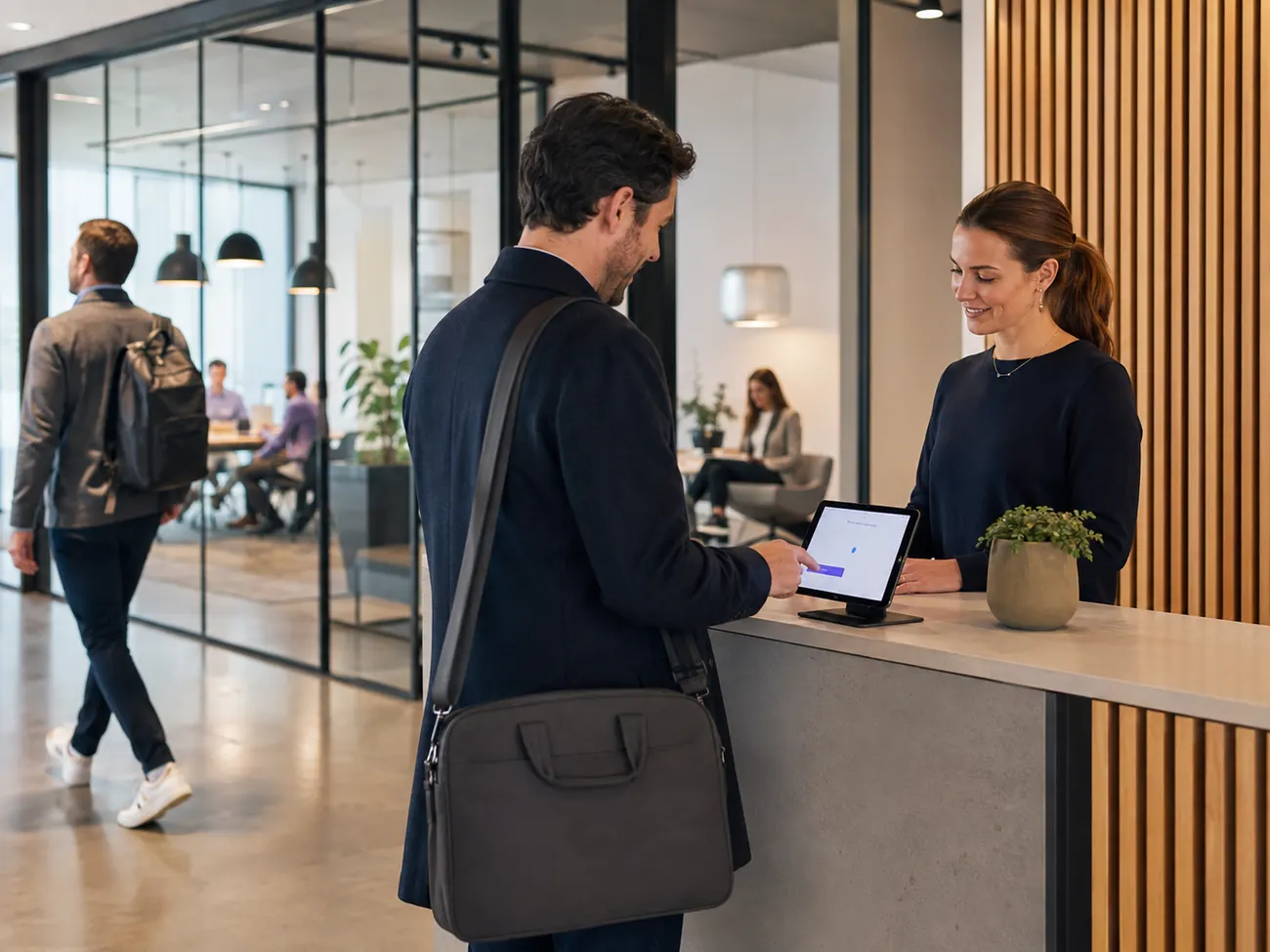
For shared workplaces and coworking
Several companies, one building. Who's inside right now, in doubt no one knows.
In a shared location, no single regulation forces a visitor management system — but every day there's the practical reason: in an alarm, someone has to know who's in the building, and your tenants bring their own audits. visitvia gives the operator a list that's right, and tenants the evidence they need.
Coworking · Flex offices · shared locations
No regulatory obligation — but a good reason every day
Here no single law requires a visitor management system. The need comes from the operation itself: liability, evacuation and the requirements your tenants bring from outside.
Who's in the building right now
Evacuation and liability
In an alarm, every person at the assembly point counts — including the visitors of other companies. As the operator, you carry the responsibility for the building.
Several companies, one reception
Shared location
Visitors come to different tenants. They check in once — and reach the right host, without your reception knowing everyone.
Evidence for your tenants
Their audits
A tenant under TISAX, IFS or ISO needs proof of who visited them. You provide it from one log, instead of each company keeping its own book.
House rules confirmed
Once for everyone
Access, safety and confidentiality rules are confirmed and signed at the terminal — for everyone who enters the building.
What your tenants need in detail depends on their own standards and assessors. visitvia supplies the evidence; which of it counts is decided by the respective auditor.
You can have this overview starting tomorrow.
Your own workspace is ready in minutes — no payment details, no paid contract.
What visitvia proves for it
From many loose notes to one list for the whole building
Instead of every company in the building keeping its own visitor book, the visitor checks in once at the terminal — and you have the overview.
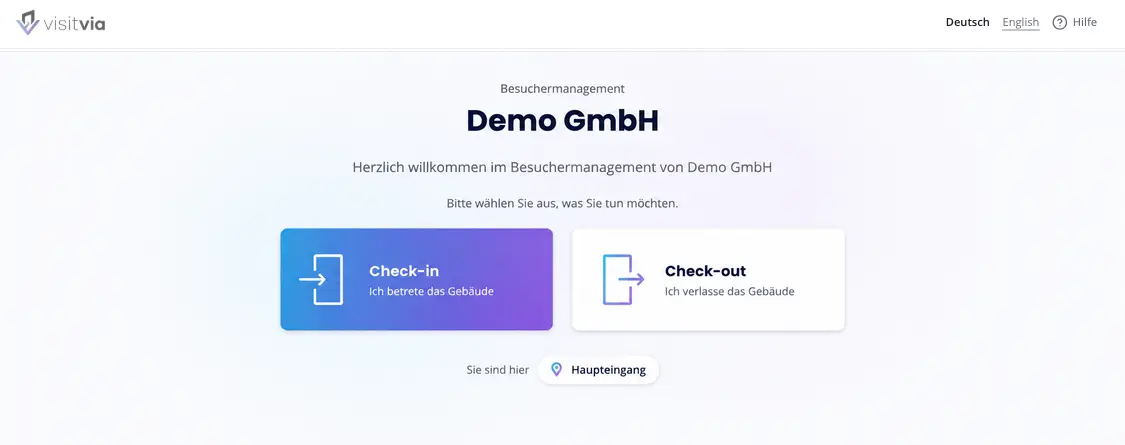
The visitor picks their host and checks in at the terminal — the host is notified, whichever company they sit in.
The presence list shows who's in the building right now — with name, company and arrival time. In an alarm it's on every phone.
House rules and confidentiality are signed with a finger — a signed PDF, in the version that applied.
If a tenant needs the evidence for their own audit, you filter to their visits and export the log.
No one can change it afterwards: every entry is firmly chained to the previous one. Not your administrators, and not us.
FAQ
What operators of shared locations ask first
How do visitors check in for different companies?
The visitor picks their host from the building's list at the terminal — which can be made up of your tenant companies. The right contact is notified, without your reception having to know every employee of every company.
Who sees which visitor data?
As the operator, you run the visitor management for the building and have the overview. How much an individual tenant sees depends on the roles and your agreement with them. Talk to us about how you want to divide it up — and to your data-protection officer about the right framework.
How visitvia establishes tamper-proofing, tenant separation and retention periods in technical terms is on the Security page — written for your information-security and data-protection officers.
Give your tenants the evidence they'd otherwise keep themselves.
One list for the whole building, house rules and export to click through — free, no credit-card details.