For the pharmaceutical industry
Anyone entering the GMP zones must be briefed and documented — visitors included.
In pharmaceutical production, visitors and external staff follow the same rules as your employees: gowning, briefing, documentation. visitvia records access, has the briefing confirmed and keeps both immutable — the reception and evidence part, cleanly bounded from what a validated system has to do.
GMP · EU guidelines
What's required at the entrance to GMP areas
The EU GMP guidelines require that visitors and externals entering controlled areas are briefed, appropriately gowned and documented. At the entrance this meets reception.
Access to controlled areas
Gowning, airlock
Cleanrooms and GMP zones are entered in a controlled way. Whoever may enter must be recorded and briefed on the gowning rules.
Briefed and bound
Before entering
Visitors and external staff are thoroughly briefed — provably signed, in the version that applied.
Documented access
Record-keeping duty
Documentation must be kept of all control and access measures, demonstrating compliance.
Evidence in the inspection
Authority and customer
What's asked for is a particular entry on a particular day: recorded, briefed, on record? A binder is a laborious answer then.
This overview is guidance, not an audit result: what applies to your site is decided by your QA and your inspectors. visitvia supplies the evidence for the reception and access part — judging it is someone else's job.
You can provide this evidence starting tomorrow.
Your own workspace is ready in minutes — no payment details, no paid contract.
What visitvia proves for it
From the visitor book at the entrance to solid evidence
What you control at the entrance to the zone today, the app records — immutable, with the briefing that applied.
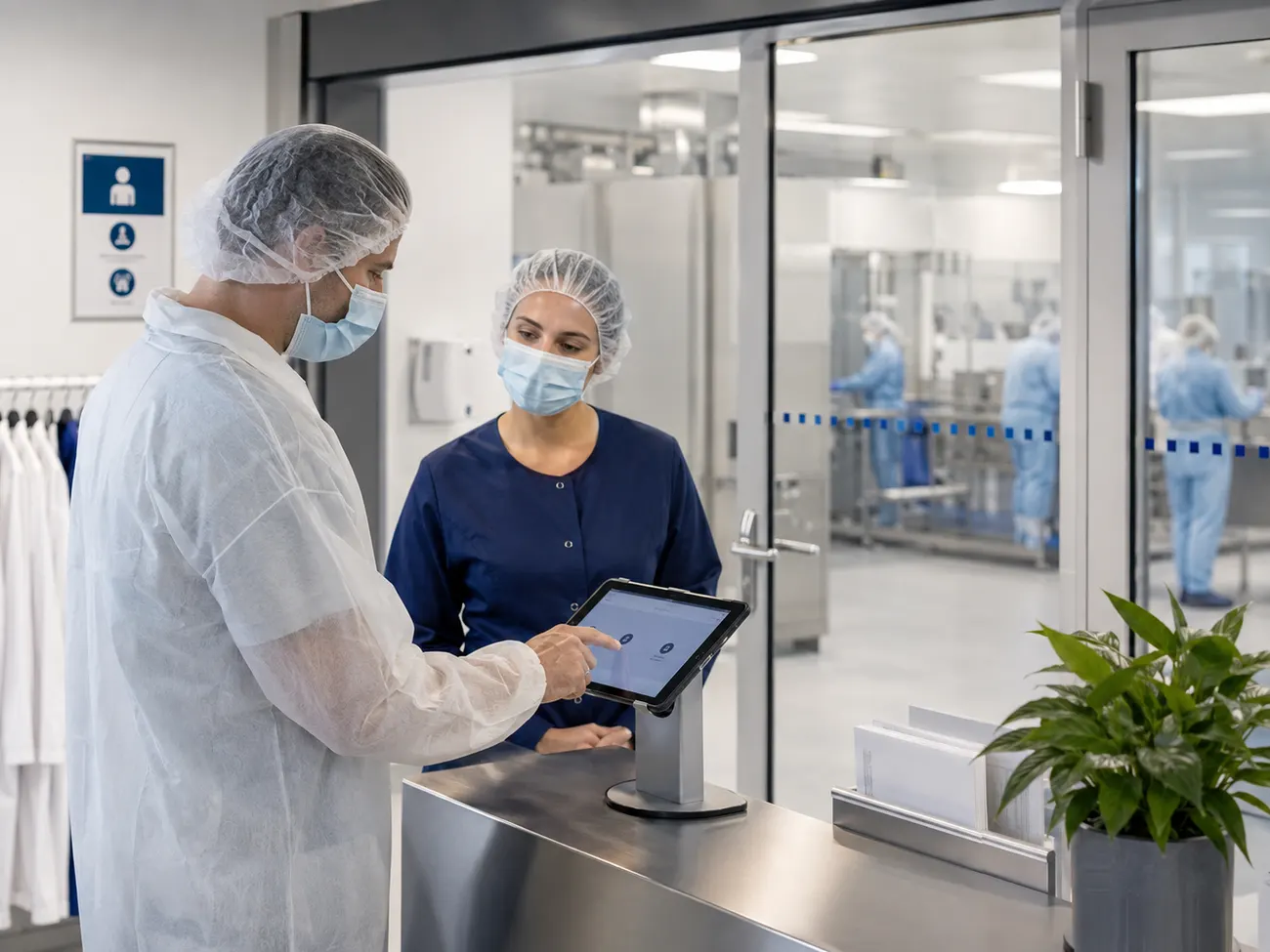
Whoever enters the zone checks in at the terminal and confirms gowning and conduct rules before the check-in is completed.
The briefing is signed with a finger and becomes a signed PDF, tied firmly to the valid version. Change the rules, and old signatures stay with their version.
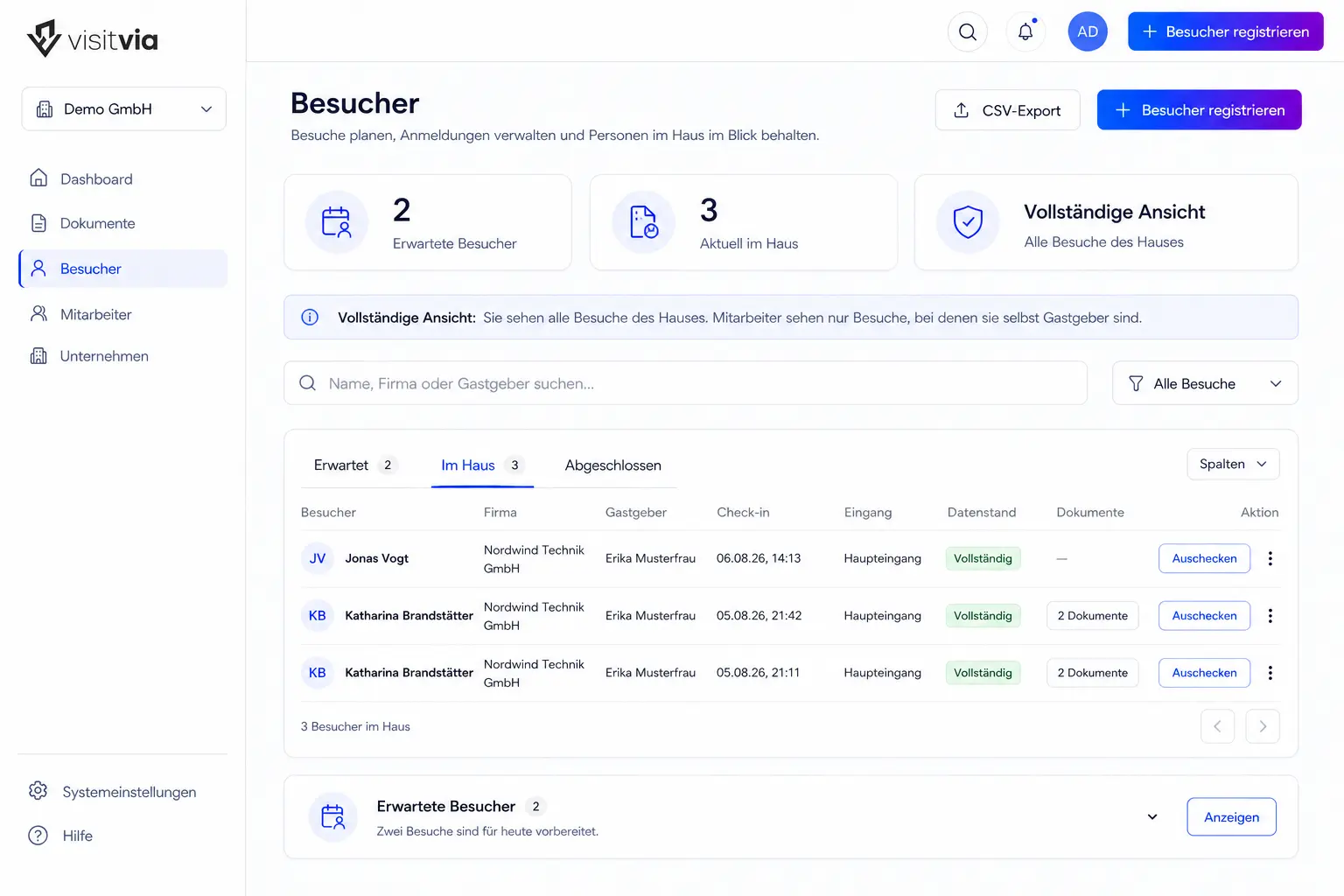
The log shows who was there, when and with which host — searchable by date and time, with arrival and check-out.
No one can change it afterwards: every entry is firmly chained to the previous one. Not your administrators, and not us.
If the inspector asks about an entry from months ago, you filter to the day and show the signed briefing — faster than the question was asked.
FAQ
What QA and production managers ask first
Is visitvia 21 CFR Part 11 or Annex 11 compliant?
No — and we don't claim it is. These frameworks require a formal computer-system validation (CSV) for computerised systems; visitvia is not validated for that. What visitvia does: document access and the briefing of visitors and externals, and keep it immutable. Whether and how you use it in your validated environment is your QA's decision.
Does visitvia replace our airlock and cleanroom concept?
No. The physical measures — personnel and material airlocks, gowning, monitoring — stay yours. visitvia documents that the visitor was briefed and when they came; it doesn't replace a cleanroom concept or an access system.
How visitvia establishes tamper-proofing, tenant separation and retention periods in technical terms is on the Security page — written for your information-security and data-protection officers.
Show it to your QA before the next inspection.
Access, briefing and log to click through — free, no credit-card details.